
JVC GZ-HD10 Hard Disk Camcorder User Manual

This user manual provides instructions for setting up, recording, playing back, and editing videos on the JVC GZ-HD10 hard disk camcorder.
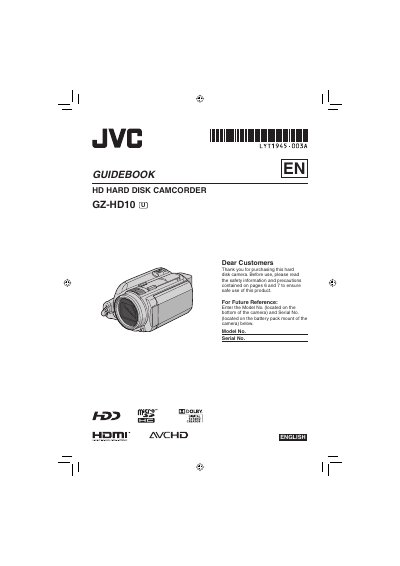

JVC GZ-HD10 Hard Disk Camcorder User Manual - cover page
Brand
JVC
Category
Digital cameras
Document type
User Manual
Language
English
Pages
68
File format
PDF
File size
6.8 MB
Published
12 October, 2026
Updated
12 October, 2026
Model
GZ-HD10
MD5 checksum
902773E833FED317894AC94FCA5FCB5F

About this manual

This guidebook covers the essential operations of the JVC GZ-HD10 Hard Disk Camcorder, including initial setup, battery charging, and date/time configuration. It details how to record video and still images in AVCHD format, manage recording modes, and utilize the built-in hard disk for storage.

What's inside

  • Getting Started
  • Recording
  • Playback
  • Editing/Printing
  • Copying
  • Further Information
  • Specifications
  • Troubleshooting

Frequently asked questions

What voltage range is supported by the AC adapter?

The AC adapter supports a voltage range of 110V to 240V.

How much space must be left around the camera for ventilation?

You must leave at least 10 cm (3-15/16") of space on all sides for ventilation.

Download PDF (6.8 MB)

More JVC Manuals


View all JVC manuals →