
JVC CU-VD40 DVD Burner Instructions

English user instructions for the JVC CU-VD40 DVD Burner, covering setup, copying HD images from Everio cameras to DVD, and playback on TVs.
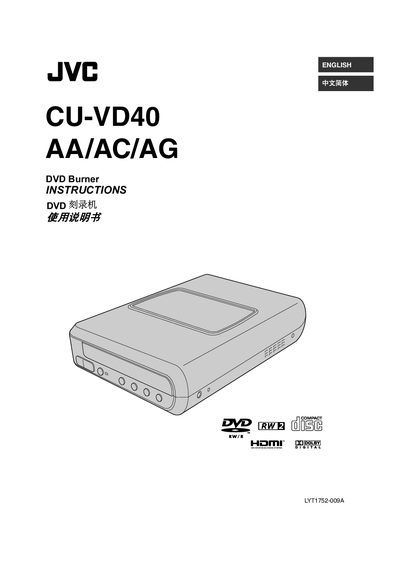

JVC CU-VD40 DVD Burner Instructions - cover page
Brand
JVC
Category
Other Electronics
Document type
User Manual
Language
English
Pages
56
File format
PDF
File size
4.1 MB
Published
13 March, 2012
Updated
14 October, 2026
Model
CU-VD40
MD5 checksum
A3FE24ECA47A830E56DCC08F3930E9EE

About this manual

This manual provides instructions for the JVC CU-VD40 DVD Burner, a device designed to copy high-definition images recorded with JVC Hard Disk Cameras directly to DVDs without the need for a PC. It details the various copy methods available, including copying all images, newly shot images, or specific scenes and events.

What's inside

  • Copying to DVD
  • Viewing Images Copied to DVD
  • Safety Precautions
  • Getting Started
  • Connecting to TV
  • Saving Everio Camera Images
  • Saving PC Images
  • Installing CyberLink Power2Go
  • Troubleshooting
  • Specifications

Specifications

Compatible DiscsDVD(DL)

Frequently asked questions

Can I use a PC to edit videos before creating DVDs?

No, the burner does not include support for Macintosh, and for editing videos, you should use the software provided with the camera.

What software is provided for writing data?

The provided data writing software is Power2Go 5.5 Lite.

Can I add new recordings after finalizing the disc?

No, additional recordings are not possible after finalizing the disc.

Download PDF (4.1 MB)

More JVC Manuals


View all JVC manuals →