
This document is a beginner's guide to using the OFFICEJET PRO 8500A A910 2, including information on printer usage, HP digital solutions, Internet features, setting up and using fax, setting up wireless communication, etc.
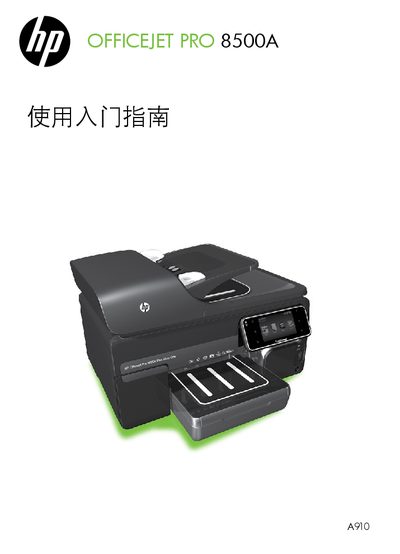
This guide covers the initial setup of the HP OfficeJet Pro 8500A A910, including installing ink cartridges, loading paper, and connecting the printer to a phone line for fax. It also explains how to configure network settings, use the embedded web server (EWS), and access HP's digital solutions for scanning, faxing, and cloud services.
Additional sections address troubleshooting common issues, safety precautions, warranty information, and detailed instructions for using fax, wireless (802.11) connections, and the printer’s web‑based management tools. This manual is written in Chinese.