
Key facts
Start here
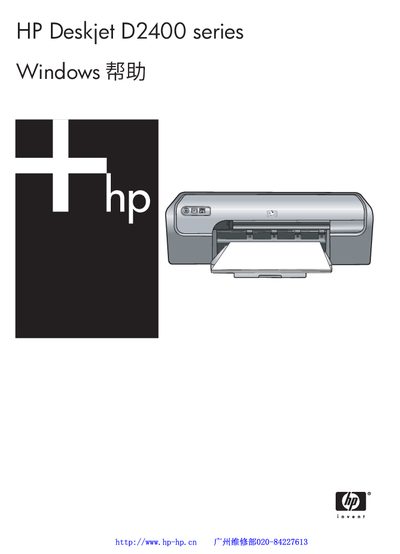
HP Deskjet D2400 Series User Manual
This manual covers the initial setup and installation of the HP Deskjet D2400 series printer, including software installation, connecting the printer to a computer, and using the Photosmart Essential button for quick printing. It also explains the various printing functions such as photo printing, document printing, label and CD/DVD printing, and paper‑type settings.
Later sections describe routine maintenance tasks like ink‑cartridge installation, manual and automatic cleaning, ink level monitoring, and troubleshooting common issues such as paper jams, error messages, and print‑quality problems. The guide also provides specifications, environmental information, and contact details for HP support and consumable ordering. This manual is written in Chinese.
HP D2400 specifications
| Dimensions (H x L x W) | 140 mm × 467 mm × 190 mm |
|---|---|
| Weight | 2.5 kg |
| Paper Capacity (plain paper) | Up to 80 sheets |
| Supported Paper Weight (Letter) | 65–90 g/m² |
| Memory | 384 KB |
| Operating System Compatibility | Windows 2000, Windows XP |
All HP D2400 documents by type
Day-to-day operation, settings and troubleshooting. Start here if the product is already set up.
Questions answered in these manuals
How do I enable borderless photo printing?
Select the ‘borderless’ printing option in the printer driver or software to print 4 × 6 in photos edge‑to‑edge.
What should I check if the printer has no power?
Verify that the power cord is connected to an electrical outlet, firmly attached to the power supply or adapter, and that the power supply is securely connected to the printer.
Which paper types and weights are supported?
Use paper within the recommended specifications: Letter 65‑90 g/m², Legal 70‑90 g/m², Envelopes 70‑90 g/m², Cards up to 200 g/m², and Photo paper up to 280 g/m².