
Key facts
Start here
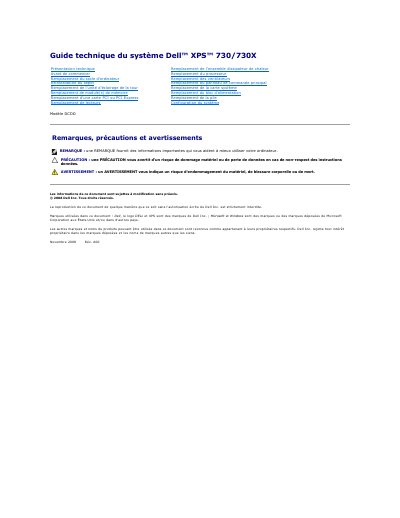
Dell XPS 730/730X Model DCDO Technical Guide
The Dell XPS 730/730X Model DCDO Technical Guide provides detailed procedures for the removal and installation of internal hardware components. It includes essential safety precautions, required tools, and grounding instructions to prevent hardware damage.
The document covers the replacement of various parts including the system board, processor, memory modules, power supply, and PCI/PCI Express cards, with specific sections dedicated to multi-GPU NVIDIA SLI configurations. This manual is written in French.
All Dell 730X (Model DCDO) documents by type
Disassembly, diagnostics and part numbers, for repair.
Questions answered in these manuals
What tools are recommended for replacing components in the Dell XPS 730/730X?
The recommended tools are a small Phillips screwdriver and a small flat-head screwdriver.
What tools are needed for the procedures in this guide?
A small Phillips screwdriver and a small flat-blade screwdriver.
What tools are required to perform the procedures in this manual?
The procedures may require a small Phillips screwdriver and a small flathead screwdriver.
How long must the power button be held to turn off the computer?
You must press and hold the power button for approximately 4 seconds to turn off the computer.