
Key facts
- Brand
- DELL
- Model
- Photo All-In-One Printer 924
- Category
- All-in-one printer
- Documents
- 4
- Languages
- FR · ES · EN
- Last added
- 2023-11-24
Start here
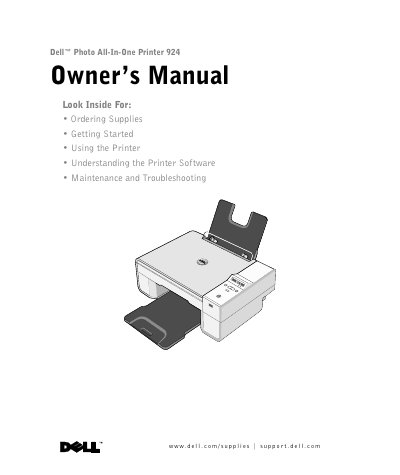
Dell Photo All-In-One Printer 924 Owner's Manual
This document serves as the Owner's Manual for the Dell Photo All-In-One Printer 924. It provides comprehensive instructions on ordering supplies, such as standard and high-capacity ink cartridges, and includes contact information for various regions. The guide details the setup process, including setting the language and loading paper, as well as operating the printer for printing, copying, scanning, and faxing.
Read onlineDell Photo All-In-One Printer 924 specifications
| Supported operating systems | Microsoft Windows 2000, Windows XP, Windows XP Professional x64 Edition |
|---|---|
| Ink cartridges | One color cartridge and one black or photo cartridge |
| USB connector | USB port for computer connection |
| PictBridge connector | USB port for a PictBridge-enabled camera |
| Zoom range | 25% to 200% |
| Automatic paper type sensor | Normal and transparency paper |
| Copy quality options | Draft, Normal, Photo |
All Dell Photo All-In-One Printer 924 documents by type
Day-to-day operation, settings and troubleshooting. Start here if the product is already set up.
Questions answered in these manuals
Is a computer required to make copies?
No, it is not necessary to connect the printer to a computer to perform copies.
What is the Dell Photo All-In-One Printer 924?
The Dell Photo All-In-One Printer 924 is a multifunction printer.
What operating systems does the Dell Photo All-in-One Printer 924 support?
It supports Microsoft Windows 2000, Windows XP, and Windows XP Professional x64 Edition.
Can copies be made without connecting the printer to a computer?
Yes, the printer does not need to be connected to a computer to make copies.
Which operating systems does the Dell Photo All-In-One Printer 924 support?
It supports Windows 2000, Windows XP, and Windows XP Professional x64 Edition.
How much memory does the printer have?
It has 16 MB SDRAM, and the printer memory is not upgradeable.