
Key facts
Start here
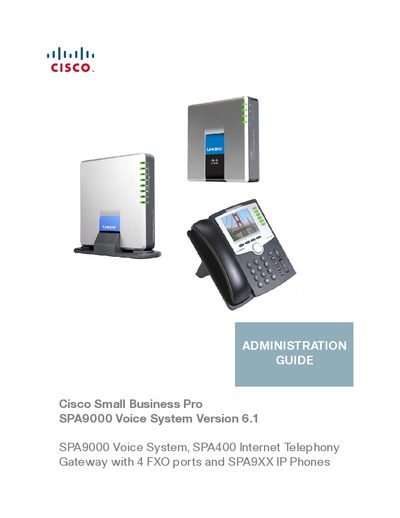
Cisco SPA9000 Voice System Administration Guide
The Cisco SPA9000 Voice System Administration Guide provides step‑by‑step instructions for installing, configuring, and managing the SPA9000 and its companion SPA400 gateway. It covers everything from initial hardware setup and firmware upgrades to advanced features such as NAT traversal, auto‑attendant scripting, and voicemail provisioning.
The guide is organized into chapters that address basic administration, ITSP interoperability, line and call routing configuration, voicemail service, music on hold, and localization. Appendices include field references, acronyms, and advanced technical topics for administrators and service technicians.
Cisco SPA9000 specifications
| FXO ports | 4 |
|---|---|
| Supported IP phones | SPA9XX series |
| Software version | 6.1 |
| Ethernet ports | 1 |
All Cisco SPA9000 documents by type
Day-to-day operation, settings and troubleshooting. Start here if the product is already set up.
Mounting, wiring and first power-up. Read it before the hardware goes in.
Questions answered in these manuals
Who is the intended audience for this guide?
The guide is intended to help VARs and Service Providers manage and configure the SPA9000 Voice System.
What components are included in the SPA9000 Voice System?
It typically consists of a SPA9000 IP PBX, one or more SPA900 Series IP phones, and the optional SPA400 PSTN gateway and voice mail server.
How do I upgrade the firmware for the SPA9000?
Use the "Upgrading Firmware for the SPA9000" procedure described in Chapter 2 of the guide.
How can I configure NAT mapping for the SPA9000?
Chapter 3 explains NAT mapping options, including static IP, STUN, and SIP‑ALG router configurations.