
Key facts
Start here
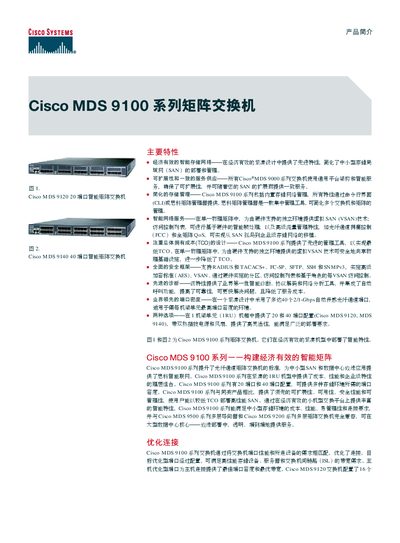
Cisco MDS 9100 Series Matrix Switch Product Leaflet
The Cisco MDS 9100 series matrix switches provide a compact 1RU design with 20‑port or 40‑port configurations, delivering advanced storage‑area‑network features such as VSAN, virtual output sorting, QoS, and congestion control. They support hot‑pluggable SFP LC interfaces and offer up to 2 Gbps per port.
Management is unified through a CLI, Cisco MDS Manager, and third‑party tools, while security includes RADIUS, TACACS+, FC‑SP, SFTP, SSH and SNMPv3. High availability is achieved with hot‑swap fans and power supplies, PortChannel aggregation of up to 15 links, and multipath load‑balancing. This manual is written in Chinese.
Cisco 100 series specifications
| Port configurations | 20‑port or 40‑port |
|---|---|
| Port speed | 2 Gbps per port |
| Maximum ports | Up to 40 ports of 2/1‑Gbps auto‑sensing Fibre Channel |
| Buffer credit points (target‑optimized ports) | Up to 255 |
All Cisco 100 series documents by type
Questions answered in these manuals
How many ports are available on the Cisco MDS 9100 series switches?
The switches are offered in 20‑port and 40‑port configurations.
What security protocols does the MDS 9100 series support?
It supports RADIUS, TACACS+, FC‑SP, SFTP, SSH and SNMPv3.
What type of switch is the Cisco 100 Series?
The Cisco 100 Series switches are non‑managed switches.
Do the Cisco 100 Series switches require any configuration?
No configuration is needed; simply connect the Ethernet cable and power to start using the switch.