
Key facts
Start here
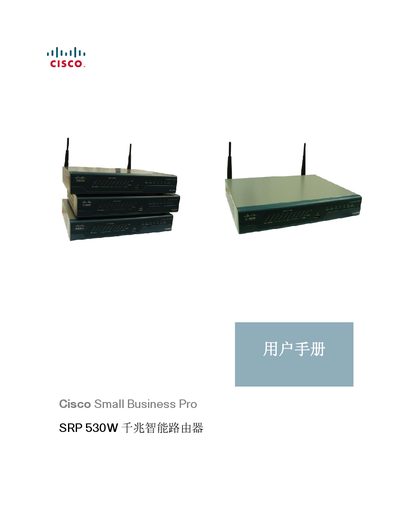
Cisco SRP 530W Router User Manual
The manual provides detailed instructions for configuring network services on the SRP 530W router, including VPN, DHCP, SNMP, OSPF routing, NAT, and VLAN settings. It lists command references and parameter options for each feature.
Additional sections cover LED indicators, hardware installation, troubleshooting steps, and regulatory information. The document is organized to help both new and experienced users set up and maintain the router efficiently.
Cisco SRP 530W specifications
| Dimensions | 25.00 mm × 19.80 mm × 4.40 mm |
|---|---|
| Maximum Weight | 3.55 lb (1.61 kg) |
| Operating Temperature | 32‑104 °F (0‑40 °C) |
| WAN Ports | 2 × 10/100/1000 Mbps |
| LAN Ports | 8 × Gigabit Ethernet |
| VLAN Support | 802.1q VLAN |
| QoS Support | 802.1p QoS |
| NAT Hardware Acceleration | Up to 800 Mbps |
All Cisco SRP 530W documents by type
Day-to-day operation, settings and troubleshooting. Start here if the product is already set up.
Disassembly, diagnostics and part numbers, for repair.
Questions answered in these manuals
What security features are included in the SRP 530W?
The router provides firewall, MAC filtering, ACL, URL filtering, IPS, antivirus, ARP protection, and hardware‑accelerated security services.
How many LAN ports does the SRP 530W have?
It has eight gigabit Ethernet LAN ports.
Which routing protocol is mentioned in the manual?
The manual lists OSPF as a supported routing protocol.
How do I access the router’s web interface for configuration?
Open a browser and go to the default IP address 192.168.1.1, using the username "cisco" and password "cisco".
How can I reset the router to factory defaults?
Press and hold the reset button on the rear of the router for more than 5 seconds.
How many WAN ports does the SRP 530W router provide?
It provides up to two WAN ports that can be load‑balanced as needed.