
This is a Cisco SPA 504G/ 508G User Manual that includes descriptions of IP phone keys and functions, softkey features, instructions on how to use the phone, and operations for making calls, answering calls, conference calls, call transfers, call parking, voicemail, etc.
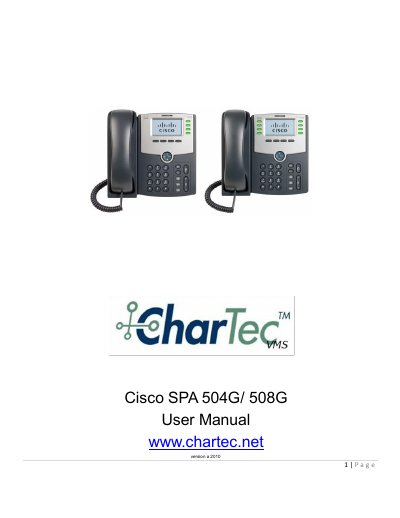
The document serves as a user guide for the Cisco SPA 504G and SPA 508G IP phones. It details the physical keys on the device, including specific instructions for using the Park feature to manage calls across different extensions. The guide explains how to navigate softkeys such as Night Mode, DND (Do Not Disturb), ACD, Speed Dial, Volume control, and Find Me.
While live on a call, press the Xfer key followed by 70. The phone will announce the parking slot (e.g., 71 for Park 1).
The default password to access voicemail setup or message retrieval is 1111.