
Cisco RV215W Wireless-N VPN Router Quick Start Guide

This guide explains how to install and configure the Cisco RV215W Wireless-N VPN router, including setup wizard steps and default login credentials.
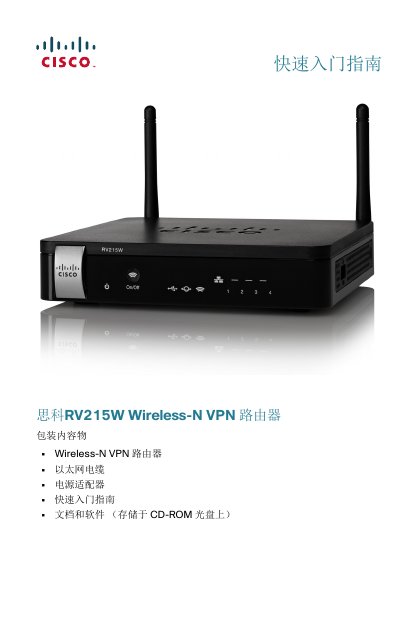

Cisco RV215W Wireless-N VPN Router Quick Start Guide - cover page
Brand
Cisco
Category
Router
Document type
Quick Start Guide
Language
Chinese
Pages
8
File format
PDF
File size
366 KB
Published
15 October, 2026
Updated
15 October, 2026
MD5 checksum
A738597A1B2522EE34308B21EAE9DEAF

About this manual

The Cisco RV215W is a Wireless-N VPN router designed for small business environments. The package includes the router unit, an Ethernet cable, a power adapter, and documentation stored on a CD-ROM. Before installation, ensure the device is placed in a well-ventilated area with temperatures below 40°C (104°F) to prevent overheating. This manual is written in Chinese.

What's inside

  • Package Contents
  • Installation Tips
  • Front Panel Indicators
  • Rear Panel Ports
  • Connecting Devices
  • Using the Setup Wizard
  • Changing Administrator Password

Frequently asked questions

What is the default IP address for the Cisco RV215W?

The default IP address for the router is 192.168.1.1.

What are the default username and password?

The default username is cisco, and the default password is also cisco.

How do I reset the router to factory defaults?

Hold down the RESET button for more than 10 seconds to restore factory default settings.

Download PDF (366 KB)

More Cisco Manuals


View all Cisco manuals →