
This guide describes how to physically install your Cisco RV215W and launch the web-based Device Manager.
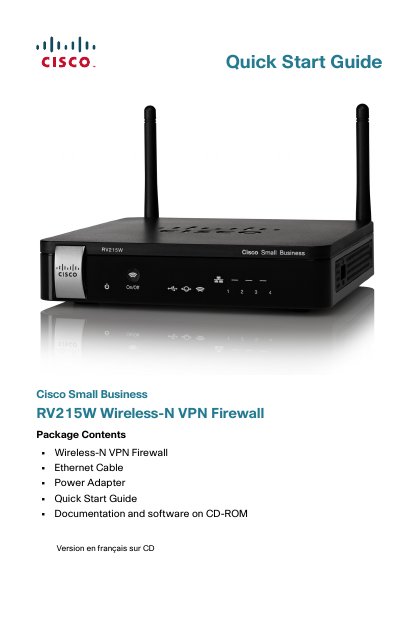
This guide walks you through installing the Cisco RV215W firewall, connecting it to your network, and launching the web-based Device Manager. It includes placement tips, hardware connections, and initial setup using the Setup Wizard. After setup, you can change the admin password and access the Device Manager for further configuration.
The default IP address is 192.168.1.1.
The default username is cisco and the default password is cisco.
Hold the RESET button for more than 10 seconds.
Microsoft Internet Explorer 6.0 or later, Mozilla Firefox 3.0 or later, and Apple Safari 3.0 or later.