
Key facts
- Brand
- Cisco
- Model
- IP Phone 7800 Series
- Category
- Telephone
- Industry
- Electronics
- Documents
- 4
- Languages
- JA · EN · ZH-HANT · ZH
- Last added
- 2026-11-20
Start here
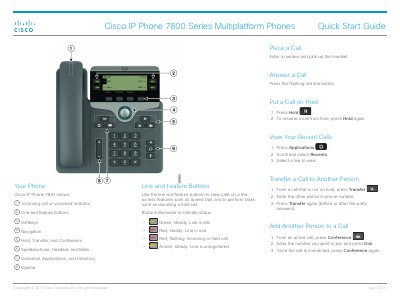
Cisco IP Phone 7800 Series Multiplatform Phones Quick Start Guide
The Cisco IP Phone 7800 Series Multiplatform Phones Quick Start Guide provides essential operating instructions for the 7800 series, including the 7821, 7841, and 7861 models.
It details how to perform basic telephony tasks such as placing and answering calls, transferring calls, and managing conference calls, as well as adjusting device preferences like volume and screen contrast.
All Cisco IP Phone 7800 Series documents by type
Day-to-day operation, settings and troubleshooting. Start here if the product is already set up.
The shortest path to a working setup, usually only a few pages.
Questions answered in these manuals
How do I set up voicemail on the phone if the administrator hasn't configured it?
Press the Applications button, select User preferences > Call preferences, enter the voicemail number in the Voicemail field, and press Set.
Where can I find voicemail system‑specific commands or remote access instructions?
Refer to the voicemail system’s user manual or contact your administrator.
How do I put a call on hold with a Cisco 7800 series phone?
Press the Hold button to put a call on hold, and press Hold again to resume the call.
From: Cisco IP Phone 7800 Series Multiplatform Phones Quick Start Guide
How do I adjust the screen backlight for the 7821, 7841, or 7861 models?
Go to Applications > User preferences > Screen preferences > Backlight timer and choose On, Off, or a specific time duration.
From: Cisco IP Phone 7800 Series Multiplatform Phones Quick Start Guide
What is the specific model of the phone pictured in the guide?
The image shown in the guide depicts the Cisco IP Phone 7841.
How do you place a call on hold?
Press the Hold button, then press it again to restore the call from hold.