
This document is a user manual for a projector product, which covers safety precautions, operating precautions, lamp handling and replacement precautions, projector setup and connection methods, basic operation guide, and user maintenance.
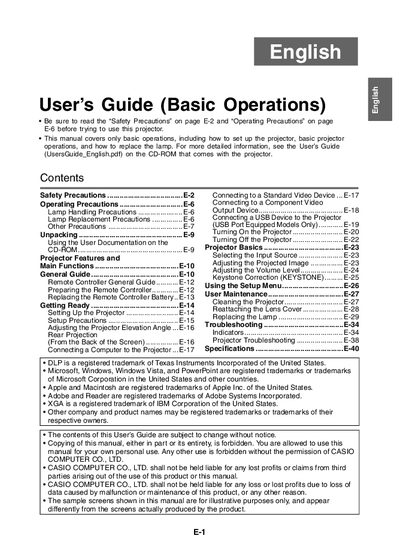
This document serves as a basic operation manual for specific Casio projector models. It provides essential safety precautions, unpacking guidance, and instructions for setting up the device, including connecting computers and video devices.
The guide details fundamental projector functions such as selecting input sources, adjusting image settings like keystone correction, and using the setup menu. It also includes procedures for user maintenance, cleaning, and replacing the lamp.
This manual covers only basic operations, including how to set up the projector, basic projector operations, and how to replace the lamp.
For more detailed information, you should see the User's Guide on the CD-ROM that comes with the projector.
You must allow at least 30cm between the projector and walls to prevent internal heat buildup.