
This document describes the features and characteristics of DATA PROJECTOR XJ-SC210/XJ-SC215, XJ-S32/XJ-S37, XJ-S42/XJ-S47, XJ-S52/XJ-S57 and other models of data projectors.
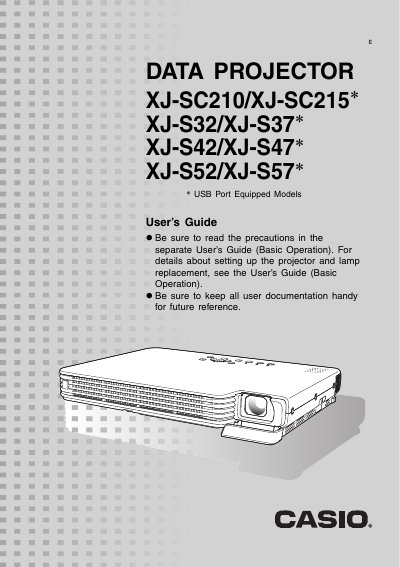
This document serves as a supplementary guide for the specified Casio Data Projector models. It assumes familiarity with basic operations found in the separate "User's Guide (Basic Operation)" and focuses on advanced functions available during projection, such as image brightness adjustment, color mode selection, zooming, freezing images, and displaying pointers.
The manual details how to configure various settings via the Setup Menu, including Image Adjustment, Volume, Screen Settings, Input Settings, and Option Settings. It also explains specific features for USB port-equipped models (XJ-SC215/XJ-S37/XJ-S47/XJ-S57) regarding external device control and lamp mode selection.
The video resolution of the projected image is 1024 x 768 pixels.
Press the [BRIGHT] key, then use the [W] and [X] keys to change the setting.
It temporarily cuts off the input source image and projects a black screen.