
Casio XJ-S43W Projector User's Guide (Basic Operations)

This manual describes how to set up the projector and introduces the basic operation of the projector.
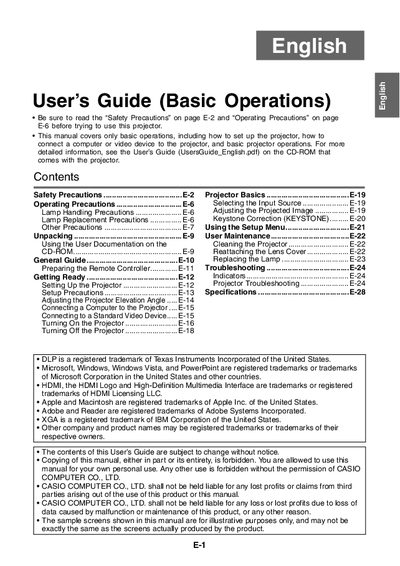

Casio XJ-S43W Projector User's Guide (Basic Operations) - cover page
Brand
Casio
Category
Projector
Document type
User Manual
Language
English
Pages
28
File format
PDF
File size
803 KB
Published
06 June, 2012
Updated
01 October, 2023
Model
XJ-S43W
MD5 checksum
A890629FA6EDC65847CC89C0A6764209

About this manual

This document serves as a basic operation manual for the Casio XJ-S43W projector. It provides instructions on unpacking, setting up the device, connecting computers or video devices, adjusting the projected image, and using the setup menu.

The guide also includes essential safety precautions regarding power cords, water exposure, ventilation, and lamp handling to ensure safe usage.

What's inside

  • Safety Precautions
  • Operating Precautions
  • Lamp Handling Precaution
  • Projector Basics
  • Selecting the Input Source
  • Adjusting the Projected Image
  • Keystone Correction
  • Using the Setup Menu
  • Connecting a Computer to the Projector
  • Troubleshooting

Frequently asked questions

How much space is required between the projector and walls?

You must allow at least 30cm (11.8 inches) between the projector and walls to prevent heat buildup.

What specific distance must be maintained between the projector and walls?

You must allow at least 30cm (11.8 inches) of space between the projector and walls.

What surface conditions are prohibited for placing the projector during use?

Never place the projector on a carpet, blanket, towel, seat cushion, or other pliable surface.

Download PDF (803 KB)

More Casio Manuals


View all Casio manuals →