
Casio XJ-S43W Projector User's Guide

This is the user manual for CASIO DATA PROJECTOR XJ-S43W.
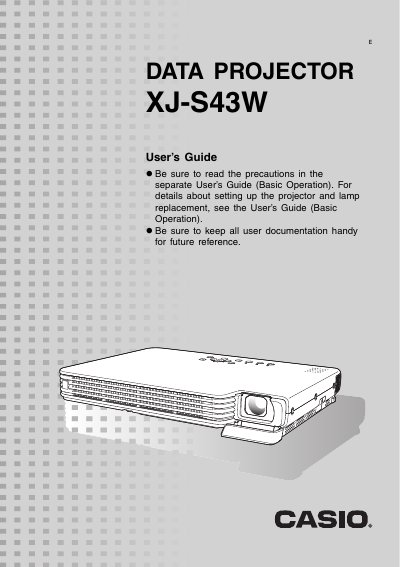

Casio XJ-S43W Projector User's Guide - cover page
Brand
Casio
Category
Projector
Document type
User Manual
Language
English
Pages
55
File format
PDF
File size
1.1 MB
Published
06 June, 2012
Updated
30 September, 2023
Model
XJ-S43W
MD5 checksum
4D6FF5950A82A46A5F30C2D367C92F57

About this manual

The Casio XJ-S43W is a slim, compact DLP projector featuring WXGA (1280 x 800) resolution and HDMI input. It supports various input sources including computer RGB, composite video, component video, and HDMI audio/video. The device includes features such as direct power on, a pointer function for presentations, and adjustable image brightness and color modes.

What's inside

  • About this Manual
  • Projector Overview
  • Projector Features and Main Functions
  • Projector Keys and Remote Controller Keys
  • Image Operations During Projection
  • Configuring Advanced Projector Settings
  • User Maintenance
  • Error Indicators and Warning Messages
  • Connecting to a Component Video Output Device

Specifications

ResolutionWXGA (1280 x 800)
Input SupportHDMI, RGB, Composite, Component
Minimum Projection Distance0.84 meters

Frequently asked questions

What is the minimum projection distance for this projector?

The wide angle 2X zoom allows projection even when the projector-to-screen distance is severely limited, with a minimum of 0.84 meters.

Can I turn on the projector automatically?

Yes, the projector can be configured to turn on automatically and start projecting as soon as it is plugged into a power outlet.

Download PDF (1.1 MB)

More Casio Manuals


View all Casio manuals →