
This document is a guide about E-1 English English safety precautions and operating instructions. It includes safety precautions, operating precautions, lamp handling precautions, lamp replacement precautions, other precautions, unpacking, using the user documentation on the CD-ROM, projector features and main functions, general guide for the remote controller, preparing the remote controller, replacing the remote controller battery, getting ready, setting up the projector, setup precautions, adjusting the projector elevation angle, rear projection, connecting a computer to the projector, connecting to a standard video device, connecting to a component video output device, connecting a USB device to the projector, turning on the projector, turning off the projector, projector basics, selecting the input source, adjusting the projected image, adjusting the volume level, keystone correction, using the setup menu, user maintenance, cleaning the projector, reattaching the lens cover, replacing the lamp, troubleshooting, indicators, projector troubleshooting, specifications.
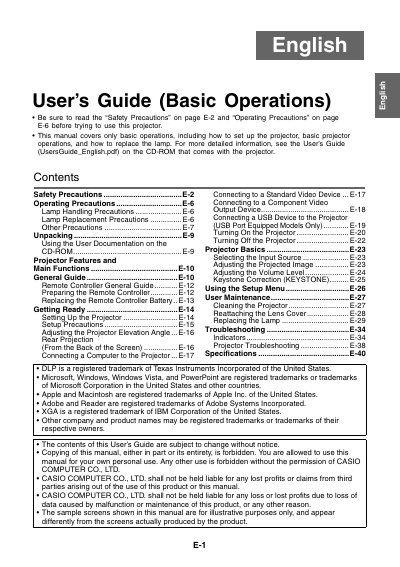
This document serves as a guide for the basic operations of Casio XJ-S series projectors. It includes instructions on safety precautions, operating procedures, connecting to video devices, adjusting the projected image, and replacing the lamp.
The manual also provides information on using the remote controller, setting up the projector, performing user maintenance such as cleaning, and troubleshooting common issues.
You must allow at least 30cm (11.8 inches) between the projector and walls to prevent internal heat buildup.
You must allow at least 30cm (11.8 inches) of space between the projector and walls.
You must never use the projector while it is on a carpet, blanket, towel, seat cushion, or other pliable surface.