
Casio XJ-S30/XJ-S35 Data Projector User's Guide

This manual is a user's guide for the XJ-S30/XJ-S35 data projectors. It mainly introduces the basic operation, setup, and maintenance of the projectors.
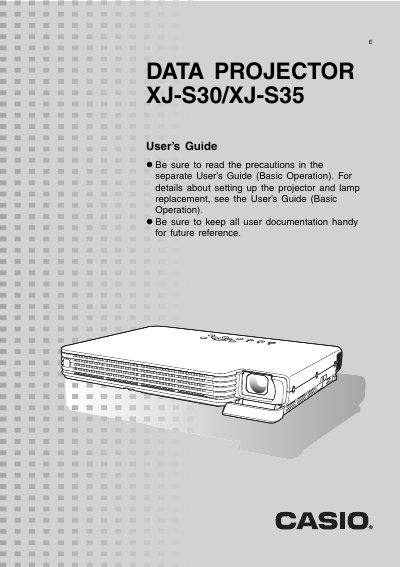

Casio XJ-S30/XJ-S35 Data Projector User's Guide - cover page
Brand
Casio
Category
Projector
Document type
User Manual
Language
English
Pages
36
File format
PDF
File size
1.1 MB
Published
06 June, 2012
Updated
30 September, 2023
Model
XJ-S30
MD5 checksum
93D18F42A35FE078312643148ADAD06D

About this manual

This manual provides instructions for operating the Casio XJ-S30 and XJ-S35 Data Projectors during projection. It details how to adjust image brightness, select color modes, zoom images, freeze frames, display pointers, and switch aspect ratios between 4:3 and 16:9.

What's inside

  • About this manual
  • Operation During Projection
  • Image Operations During Projection
  • Configuring Advanced Projector Settings
  • Basic Setup Menu Operations
  • Password Protecting the Projector
  • Restoring Projector Settings to Their Initial Factory Defaults
  • Reattaching the Lens Cover

Frequently asked questions

How do I adjust image brightness?

Press the [BRIGHT] key, use the cursor keys to adjust, and press [ESC] to hide the window.

How do I freeze an image?

While projecting, press the [FREEZE] key to store the current image in memory and restore it by pressing [ESC].

How do I switch the aspect ratio?

Press the [ASPECT] key to toggle between 4:3 and 16:9.

Download PDF (1.1 MB)

More Casio Manuals


View all Casio manuals →