
This document provides information on E-1 English English Safety Precautions, E-2 Operating Precautions, E-6 Lamp Handling Precautions, E-6 Lamp Replacement Precautions, E-6 Other Precautions, and more.
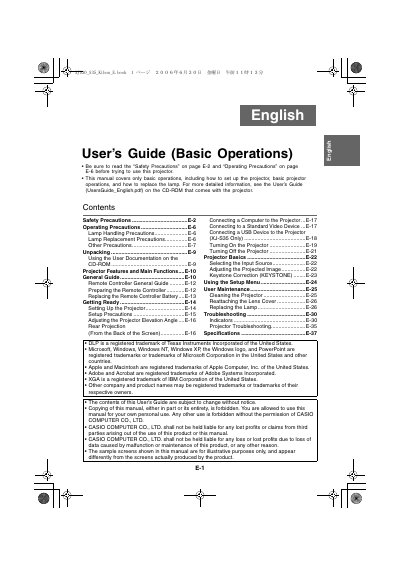
This document serves as a User's Guide for Basic Operations of the Casio XJ-S30 and XJ-S35 rear projection projectors. It provides instructions on unpacking, setting up the projector, connecting devices such as computers and USB drives (for XJ-S35 only), and operating the remote controller.
The guide also details essential maintenance procedures, including how to replace the lamp and clean the projector lens cover. Safety precautions regarding power cords, water exposure, ventilation, and disposal are emphasized throughout the text.
This manual covers only basic operations, including how to set up the projector, basic projector operations, and how to replace the lamp.
For more detailed information, you should see the User's Guide on the CD-ROM that comes with the projector.
Yes, but this feature is available only for the XJ-S35 model.