
This manual is the user manual for SA76/77/78DI41B synthesizer, which introduces the basic functions and usage methods of the synthesizer.
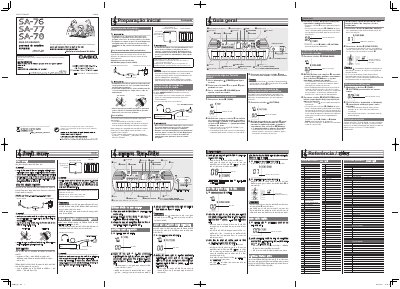
This document is a user guide for the Casio SA-76, SA-77, and SA-78 series of electronic keyboards. It details how to operate the device using the built-in keyboard and pads, select various tones and patterns, play songs from the Song Bank, and adjust settings like tempo and tuning.
The manual also covers essential setup procedures, including connecting power via the specified AC adaptor or using six AA batteries, and utilizing audio outputs for headphones or external equipment. It includes specific safety warnings regarding battery usage, electrical shock risks, and proper handling of the device.
| Power Supply (AC Adaptor) | AD-E95100L |
|---|---|
| Battery Type | Six AA-size batteries |
| Tuning Range | -99 to +99 cents |
Press the (POWER) switch to turn on Power.
The keyboard uses six AA-size alkaline or zinc-carbon batteries.
Hold down the (TONE) and (PATTERN) buttons simultaneously, then use the (+) and (-) buttons to adjust.