
This is the user manual for CASIO QV-2400UX/QV-2900UX digital camera, which introduces the camera's basic functions and usage methods.
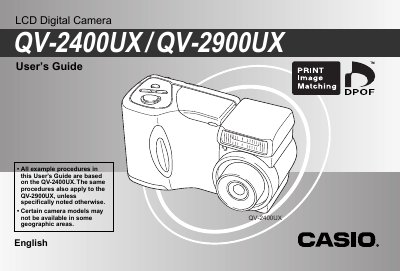
This manual serves as a comprehensive guide for operating the Casio QV-2400UX and QV-2900UX LCD Digital Cameras. It details procedures for unpacking the camera, loading batteries and memory cards, and turning the device on and off. The text provides step-by-step instructions for basic image recording, including using optical and digital zoom, flash settings, and various focus modes like macro and infinity.
The procedures are based on the QV-2400UX but also apply to the QV-2900UX unless specifically noted otherwise.
The camera supports three date formats: Year/Month/Day, Day/Month/Year, and Month/Day/Year.
The function digitally stamps the recording date and time in the lower right corner of each image as it is recorded.
Once an image is stamped, the date and time cannot be deleted.