
This document is a user guide for CASIO products, providing information on precautions and a list of accessories.
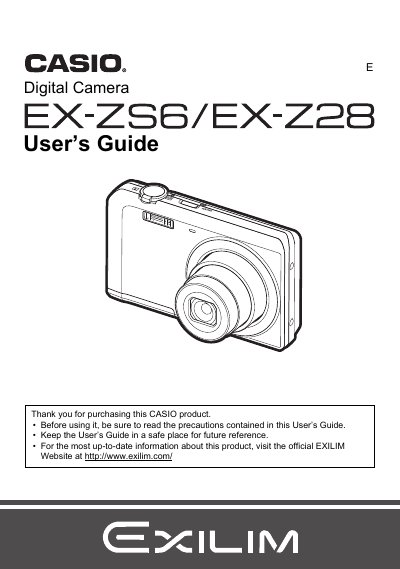
This manual covers the complete operation of your Casio EXILIM digital camera. It begins with unpacking and charging the NP-80 battery, followed by instructions for preparing a memory card (SD/SDHC/SDXC). The guide details how to turn the camera on and off, hold it correctly, and take snapshots using various modes including easy Mode, BEST SHOT, and manual settings.
| Effective Pixels | 16.10 Megapixels |
|---|---|
| Imaging Element Size | 1/2.3-inch square pixel CCD |
| Lens Focal Length | f = 4.7 to 23.5 mm (equivalent to 26 to 130 mm) |
| Optical Zoom | 5X optical zoom |
| Digital Zoom | 4X digital zoom (20X in combination with optical zoom) |
| Snapshot Image Sizes | 16M, 10M, 5M, 3M, VGA |
| Movie Resolution | HD (1280 x720), STD (640 x480) |
| Shutter Speed | 1/2 to 1/2000 second |
Use the included USB-AC adaptor (AD-C53U) to charge the NP-80 rechargeable lithium ion battery.
The camera features a 5X optical zoom.