
This is a user manual for a Casio digital camera. It mainly introduces the functions and features of the camera and how to use it.
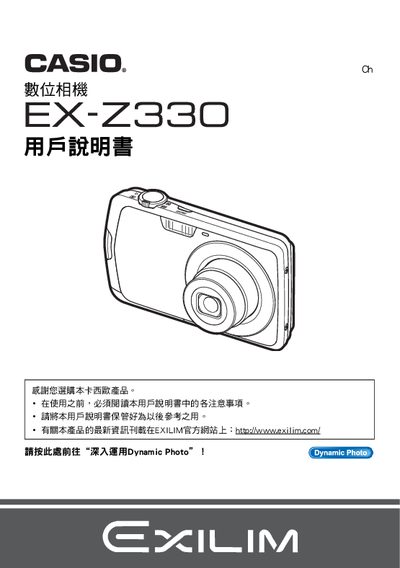
This manual begins with unpacking instructions, battery installation, and basic operation steps such as powering on, holding the camera correctly, and taking test shots. It also covers essential functions like zoom, focus, ISO settings, and the built‑in Easy mode.
Later sections describe advanced features such as Best Shot, continuous shooting, selfie timer, video recording, printing via PictBridge, Eye‑Fi wireless transfer, and using Dynamic Photo services to create animated images. Troubleshooting, settings adjustments, and specifications are provided at the end of the document. This manual is written in Japanese.
| Battery type | NP-80 rechargeable battery |
|---|---|
| Charger model | BC-81D |
| Included cables | USB connection cable, AV cable |
| LCD panel pixel pass rate | 99.99% or higher |
| Dynamic JPEG resolution | 640 × 480 pixels |
Insert the NP‑80 rechargeable battery and charge it with the supplied BC‑81D charger before first use.
Yes, the camera supports PictBridge, allowing you to print photos on compatible printers.
The LCD panel has a pixel pass rate of 99.99% or higher.