
The WUX10 multimedia projector is a high-performance projector that can project high-resolution computer screens and high-quality digital images onto large screens. The main features include smooth and beautiful imaging capabilities, WUXGA native resolution, 1.5X high-power zoom lens, simplified installation of the “Auto Setup Function”, HDMI input terminal, network connectivity, instant shut-off and move feature, user-friendly screen menu and small and easy-to-use wireless remote control.
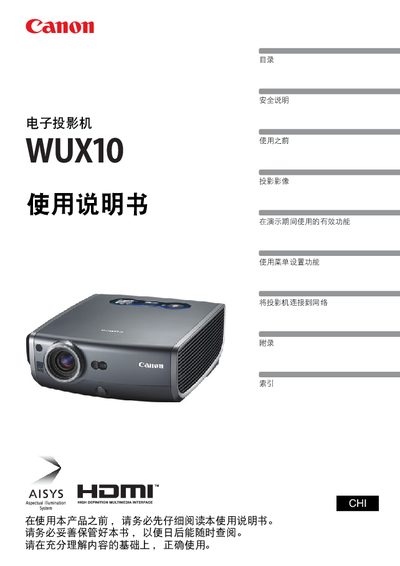
This manual covers all aspects of using the Canon WUX10 multimedia projector, from safety precautions and quick‑start instructions to detailed menu navigation and image adjustment. It explains how to connect the projector to various sources, configure network functions, and customize display settings.
Additional sections describe routine maintenance, lamp replacement, and a comprehensive troubleshooting guide to resolve common issues such as no signal, blurry images, or audio problems. This manual is written in Chinese.
| Input interface | HDMI |
|---|---|
| Network connectivity | Supported – remote control and monitoring via network |
Connect the computer to the projector using the HDMI input port.
Use the automatic keystone adjustment feature or manually adjust the trapezoidal distortion from the menu.
Select the desired language from the "显示语言" option in the menu settings.
Open the network menu and choose "初始化网络设置" to restore the default configuration.