
The WUX10 MarkII multimedia projector is a high-performance projector that can project high-resolution computer screens and high-quality digital images onto large screens. It features smooth and beautiful imaging capabilities, and the WUXGA native resolution ensures high-quality image projection in wide projection areas. It also includes a 1.5X high-power zoom lens, automatic setup function, HDMI input terminal, network connectivity, instant power-off and move feature, user-friendly on-screen menu, compact and easy-to-use wireless remote control, and various image modes.
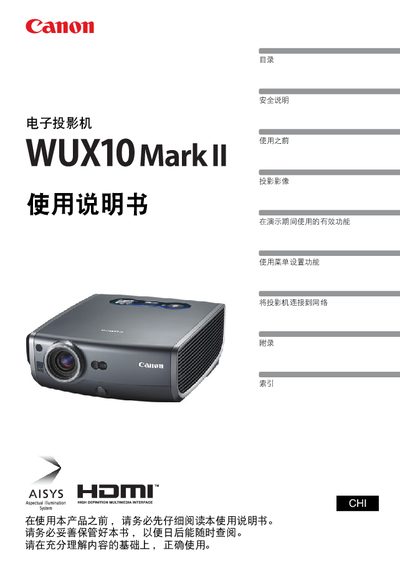
This manual covers safety information, quick reference guides, installation steps, menu functions, network configuration, and troubleshooting for the Canon WUX10 MarkII electronic projector. It also includes maintenance procedures such as lamp handling and air‑filter replacement.
The document is organized with a table of contents, detailed chapter sections, and an appendix of error codes and FAQs, allowing users to quickly find the information they need for daily operation and service. This manual is written in Chinese.
| Maximum Projection Size | 100 inches |
|---|---|
| Input Interfaces | HDMI |
| Network Control | Supported |
Use the HDMI input port to connect the projector to a computer for high‑quality digital image projection.
Select the reset option in the menu to restore the projector to its factory default configuration.
Open the menu, choose the language selection option, and pick the desired language from the list.
The manual provides instructions for cleaning and replacing the air filter as part of regular maintenance.