
This is a user manual for Canon digital camera, which introduces the camera's various functions and usage methods.
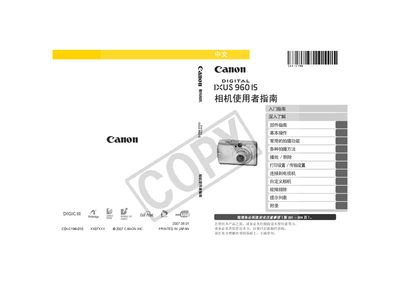
This manual covers everything needed to start using the Canon IXUS 960 IS, from unpacking the package contents and inserting batteries and memory cards to configuring basic settings. It includes detailed sections on shooting modes, playback, printing, and connecting the camera to external devices such as TVs and computers.
Additional chapters provide in‑depth explanations of camera functions, custom settings, safety precautions, and a comprehensive troubleshooting guide, along with an appendix that lists specifications and warranty information. This manual is written in Chinese.
The camera supports SD cards, SDHC (high‑capacity SD) cards, MultiMedia cards, MMCplus cards, and HC‑MMCplus cards.
The manual includes a "Print" section that explains how to use the direct‑print function and the DPOF print settings.