
Key facts
- Brand
- SONY
- Model
- TRV265E
- Category
- Video Player
- Documents
- 2
- Languages
- ZH · EN
- Last added
- 2026-09-29
Start here
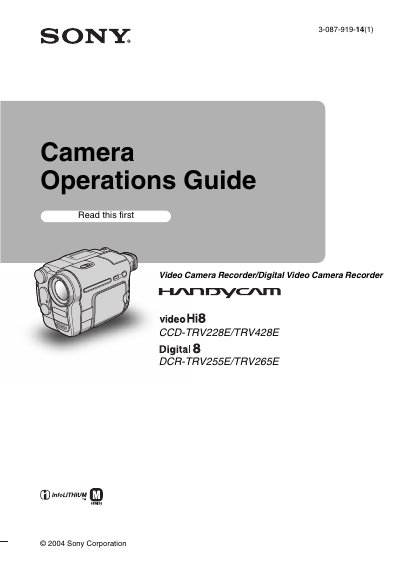
SONY CCD-TRV228E/TRV428E DCR-TRV255E/TRV265E Guide
This user manual covers the operation of Sony Hi8 and Digital8 video camera recorders, specifically models CCD-TRV228E, CCD-TRV428E, DCR-TRV255E, and DCR-TRV265E. It includes a Quick Start Guide for initial setup, such as charging the battery, inserting a cassette, and adjusting the LCD panel and viewfinder. The guide also explains how to record movies and still images, adjust exposure, and use various recording modes like NightShot plus and Easy Handycam.
Read onlineSONY TRV265E specifications
| Supported tape formats | 8 mm Hi8 and Digital8 |
|---|---|
| Battery type | InfoLITHIUM |
| Connectivity | USB and i.LINK |
Source: Sony DCR-TRV255E / DCR-TRV265E Camcorder Operation Guide
All SONY TRV265E documents by type
Day-to-day operation, settings and troubleshooting. Start here if the product is already set up.
Questions answered in these manuals
How do I start recording?
Turn the power on, then press REC START/STOP to begin recording.
From: Sony DCR-TRV255E / DCR-TRV265E Camcorder Operation Guide
How can I set the date and time?
Use the menu to set the date and time; see the section on setting date and time on page 16.
From: Sony DCR-TRV255E / DCR-TRV265E Camcorder Operation Guide
What types of video cassettes can be used with this camcorder?
You can use standard 8 mm J and Hi8 video cassettes, as well as Digital8 video cassettes.
What happens if static electricity or electromagnetic interference causes data transfer to fail?
You should restart the application or disconnect and connect the USB cable again.