
SONY CCD-TRV228E/TRV428E DCR-TRV255E/TRV265E Guide

This document is the user manual of Sony CCD-TRV228E/TRV428E DCR-TRV255E/TRV265E camcorder, which introduces the use of the camcorder, precautions, etc.
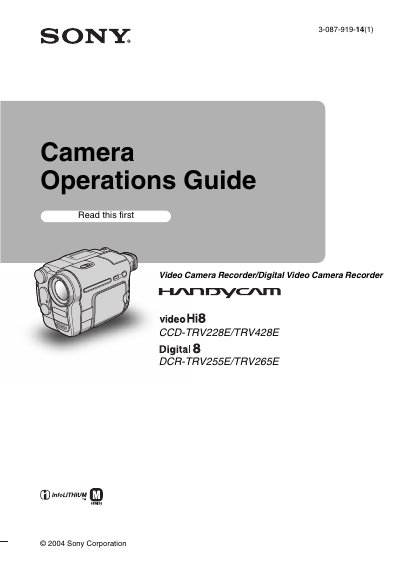

SONY CCD-TRV228E/TRV428E DCR-TRV255E/TRV265E Guide - cover page
Brand
SONY
Category
Video Player
Document type
User Manual
Language
English
Pages
100
File format
PDF
File size
2.9 MB
Published
02 August, 2012
Updated
30 September, 2023
MD5 checksum
D6DF56271E37EA26BCDAB0EFDAEBF899

About this manual

This user manual covers the operation of Sony Hi8 and Digital8 video camera recorders, specifically models CCD-TRV228E, CCD-TRV428E, DCR-TRV255E, and DCR-TRV265E. It includes a Quick Start Guide for initial setup, such as charging the battery, inserting a cassette, and adjusting the LCD panel and viewfinder. The guide also explains how to record movies and still images, adjust exposure, and use various recording modes like NightShot plus and Easy Handycam.

What's inside

  • Quick Start Guide
  • Recording movies
  • Recording still images
  • Playback
  • Advanced operations
  • Dubbing/Editing
  • Troubleshooting
  • Maintenance and precautions
  • Specifications
  • Quick Reference

Frequently asked questions

What types of video cassettes can be used with this camcorder?

You can use standard 8 mm J and Hi8 video cassettes, as well as Digital8 video cassettes.

What happens if static electricity or electromagnetic interference causes data transfer to fail?

You should restart the application or disconnect and connect the USB cable again.

What is the maximum length of connection cables allowed for EMC compliance in Europe?

The product is compliant with EMC limits when using connection cables shorter than 3 meters (9.8 feet).

Download PDF (2.9 MB)

More SONY Manuals


View all SONY manuals →