
Key facts
- Brand
- SONY
- Model
- HDR-CX6EK/CX7E/CX7EK
- Industry
- Electronics
- Documents
- 2
- Languages
- DE · ZH
- Last added
- 2026-10-13
Start here
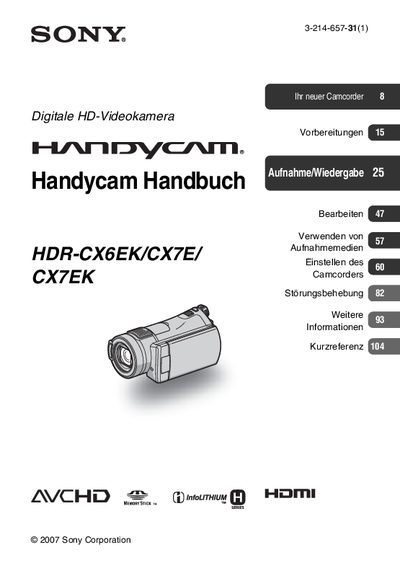
Sony HDR-CX6EK/CX7E/CX7EK Handycam User Manual
This document is the official user guide for the Sony HDR-CX6EK, CX7E, and CX7EK digital HD video cameras. It details the preparation of the device, including battery charging and memory card usage, as well as operating procedures for filming and playing back AVCHD and MPEG2 format content.
The manual covers essential topics such as adjusting camera settings via the HOME and OPTION menus, utilizing specific recording modes like NightShot and Dual Rec, and performing basic troubleshooting. It also includes information on maintaining the device and managing data stored on Memory Stick PRO Duo media. This manual is written in German.
Sony HDR-CX6EK/CX7E/CX7EK specifications
| Battery charging time | 135 minutes |
|---|---|
| Typical playback time (full charge) | 160 minutes |
| Supported battery type | InfoLITHIUM battery pack |
| Supported memory media | Memory Stick PRO Duo |
Source: Sony HDR-CX6EK / CX7E / CX7EK Handycam Operating Instructions
All Sony HDR-CX6EK/CX7E/CX7EK documents by type
Day-to-day operation, settings and troubleshooting. Start here if the product is already set up.
Questions answered in these manuals
What memory card types are supported by this camcorder?
The camcorder supports the "Memory Stick PRO Duo" and "Memory Stick PRO-HG Duo" formats, but it cannot use standard "Memory Stick" formats.
What is the recommended minimum storage capacity for recording movies?
For recording movies, it is recommended to use a "Memory Stick PRO Duo" with 512 MB or greater capacity.
How can I change the language displayed on the camcorder?
Press the HOME button, select Settings, then Language, and choose the desired language from the list.
From: Sony HDR-CX6EK / CX7E / CX7EK Handycam Operating Instructions