
This manual provides operating instructions, quick start, shooting modes, playback, menu settings, and troubleshooting for Sony DCR-TRV255E and DCR-TRV265E…
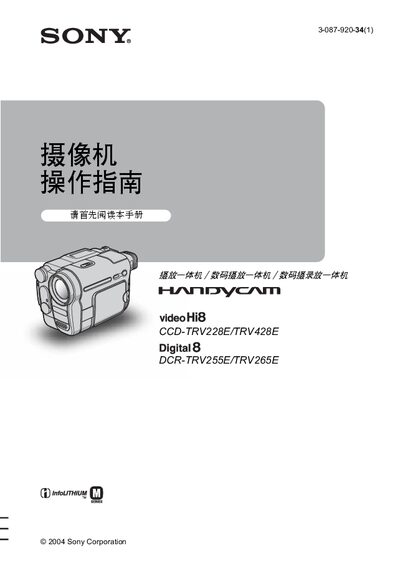
The guide walks users through basic setup, quick‑start procedures, and how to record, play back, and edit video on the DCR‑TRV255E and DCR‑TRV265E camcorders. It covers menu navigation, shooting options such as NightShot, SteadyShot, and digital zoom, as well as tape handling and battery management.
Safety warnings, battery information, supported tape formats, connectivity options (USB and i.LINK), and a troubleshooting section are included, along with a specifications summary and quick‑reference charts for common functions. This manual is written in Chinese.
| Supported tape formats | 8 mm Hi8 and Digital8 |
|---|---|
| Battery type | InfoLITHIUM |
| Connectivity | USB and i.LINK |
Turn the power on, then press REC START/STOP to begin recording.
Use the menu to set the date and time; see the section on setting date and time on page 16.
The camcorder accepts standard 8 mm Hi8 and Digital8 tapes.
Connect via a USB or i.LINK cable, making sure the connector is inserted in the correct orientation.