
Key facts
- Brand
- SONY
- Model
- WG-C20
- Category
- Other Electronics
- Industry
- Electronics
- Documents
- 3
- Languages
- ZH
- Last added
- 2026-10-13
Start here
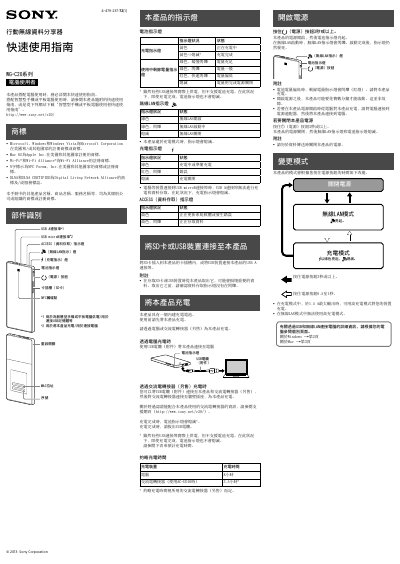
Sony WG-C20 Wireless Data Sharing Device Quick Start Guide
The Sony WG‑C20 is a portable wireless data sharing device that lets you transfer files between a computer, smartphone or tablet via USB or Wi‑Fi. It includes a built‑in rechargeable battery, USB‑A and micro‑USB ports, an SD‑card slot and NFC touch point.
The guide covers charging the device, connecting it to Windows or macOS computers using USB or Wi‑Fi, configuring security settings, and accessing files on the SD card or attached USB storage. Step‑by‑step instructions and indicator light meanings help you get started quickly. This manual is written in Chinese.
All Sony WG-C20 documents by type
Day-to-day operation, settings and troubleshooting. Start here if the product is already set up.
The shortest path to a working setup, usually only a few pages.
Questions answered in these manuals
How long does it take to fully charge the device using an AC adapter with model AC-UD10?
Using an AC adapter (AC-UD10), the device charges in approximately 3.5 hours.
From: Sony WG-C20 Series Mobile Wireless Card Reader Quick Start Guide
What is the maximum output current available when charging other devices?
The device can charge other devices at a maximum output of 1.5 A in charging mode.
From: Sony WG-C20 Series Mobile Wireless Card Reader Quick Start Guide
How long does it take to fully charge the WG‑C20?
Charging takes about 8 hours when using a computer USB port, or roughly 3.5 hours with the optional AC‑UD10 adapter.
From: Sony WG-C20 Wireless Data Sharing Device Quick Start Guide
How do I connect the WG‑C20 to a Windows PC via Wi‑Fi?
Turn on the device, select the network named WG‑C20‑xxxxxx, enter the password you set in the security settings, and click Connect.
From: Sony WG-C20 Wireless Data Sharing Device Quick Start Guide