
Key facts
- Brand
- SONY
- Model
- NW-ZX300/ZX300A
- Category
- Digital
- Industry
- Electronics
- Documents
- 2
- Languages
- ZH
- Last added
- 2026-10-15
Start here
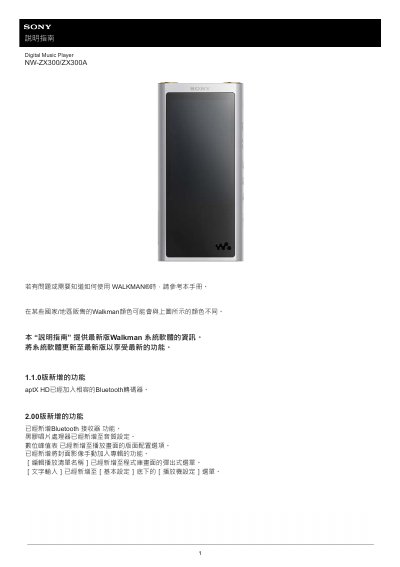
Sony NW-ZX300/ZX300A Digital Music Player User Manual
This user manual for the Sony NW-ZX300/ZX300A Digital Music Player (Walkman) covers essential operations including initial setup, battery charging, and using the microSD card. It details how to transfer music from a computer using Music Center for PC or Content Transfer, and explains various playback methods and playlist management. This manual is written in Chinese.
Read onlineAll Sony NW-ZX300/ZX300A documents by type
Day-to-day operation, settings and troubleshooting. Start here if the product is already set up.
Questions answered in these manuals
How can I tell if the Walkman is charging?
When you connect the Walkman to a running computer via USB, the charging indicator light turns on, and the battery status icon changes when charging is complete.
What should I do if the Walkman cannot play transferred files?
Make sure the file format is supported; the screen will show “Cannot play: file format not supported.” Transfer supported files to the MUSIC folder and check file names or locations.