
This is a document about how to set tax rate
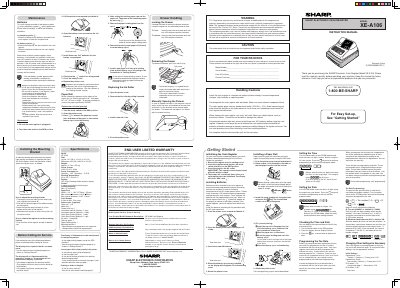
This document serves as the official instruction manual for the Sharp XE-A106 Electronic Cash Register. It provides step-by-step guidance on initializing the device, installing paper rolls and batteries, and setting up initial configurations such as tax rates and time. The guide also details how to operate the register for sales transactions and manage the cash drawer.
| Battery Type | three new "AA" batteries |
|---|---|
| Power Input | 120V AC ± 10% |
| Paper Width | 2 1/4" (57 mm) |
| Tax Rates | four different tax rates |
Remove the register from the carton, insert the mode key into the switch and turn it to REG, plug into AC outlet without batteries, wait for the buzzer to sound three times.
All programmed settings will be reset to default and any data stored in memory will be cleared.
You should replace the roll when colored dye appears on the edges of the paper.