
This is an operation manual for HT-SB20 and HT-SB30 sound bars.
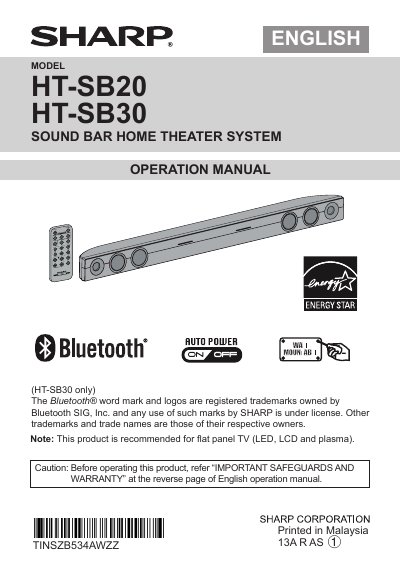
This document is the operation manual for the Sharp HT-SB20 and HT-SB30 Sound Bar Home Theater Systems. It details the included accessories, front panel and remote control functions, and provides instructions for mounting the unit on a wall or placing it on a shelf/table. The guide also explains how to connect the sound bar to TVs, DVD players, and other audio sources using various cables.
| Power source | DC IN 17V=2.8A; AC/DC adaptor (AC 100 - 240V ~ 50/60Hz) |
|---|---|
| Maximum RMS output power | Total 40 Watts |
| Speaker system | 2-way Speaker System |
| Woofer size | 2.1/4" (5.7 cm) |
| Soft Dome size | 1" (2.5cm) |
| Input terminals | Stereo mini jack @ 3.5mm. |
| Frequency Band (HT-SB20) | 2 A00GHz - 2480GHz |
| Bluetooth Version (HT-SB30) | 2.1 +EDR |
| Dimensions (Width) | 37" (940mm) |
| Weight | 5.0Tlbs. (2.349) |
The maximum RMS total output power is 40 Watts.
During Stand-by mode, press and hold the SURROUND button and the ON/STAND-BY button.
Leave the power on until normal operation is possible (about 1 hour) and wipe off any condensation with a soft cloth.