
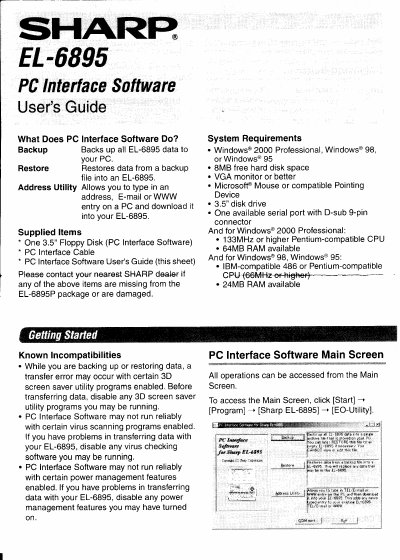
This document is the user guide for the Sharp EL-6895 PC Interface Software. It describes the software's functions, including backing up data to a PC, restoring data from a backup, and using the Address Utility to transfer contact information. The guide also lists the supplied items and system requirements for Windows 95, 98, and 2000 Professional.
| Operating Systems | Windows 2000 Professional, Windows 98, or Windows 95 |
|---|---|
| Hard Disk Space | 8MB free hard disk space |
| Monitor | VGA monitor or better |
| CPU (Windows 2000) | 133MHz or higher Pentium-compatible CPU |
| RAM (Windows 2000) | 64MB RAM available |
| RAM (Windows 98/95) | 24MB RAM available |
| Disk Drive | 3.5" disk drive |
| Port | One available serial port with D-sub 9-pin connector |
Canceling the restoration process does not prevent data deletion; all data in the EL-6895 will be deleted once the process starts.
The default name is determined by the PC clock system in the format of "YYYYMMDD.BKE".
Yes, but using a 25-pin connector requires an additional adaptor.