
Key facts
- Brand
- Sharp
- Model
- CDCH1500
- Category
- Hi-Fi
- Industry
- Appliances
- Documents
- 2
- Languages
- EN
- Last added
- 2012-08-03
Start here
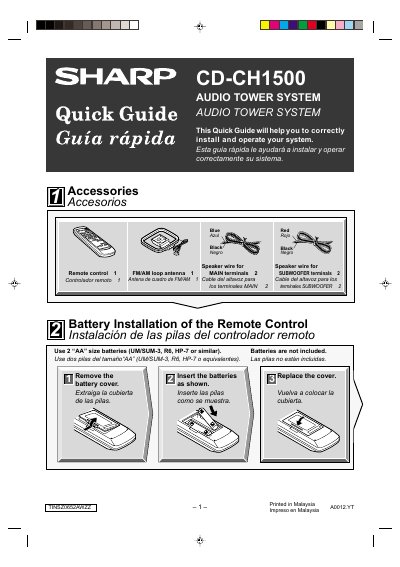
Sharp CD-CH1500 Audio Tower System Quick Guide
This document serves as a Quick Guide for the Sharp CD-CH1500 Audio Tower System. It provides instructions in English and Spanish on how to install batteries in the remote control and connect the system components, including speakers, subwoofers, and antennas.
The guide details the initial setup process, such as removing transport screws and exiting demonstration mode upon first power-on. It also explains how to operate the unit for listening to CDs, FM/AM radio, and cassette tapes using the remote control.
All Sharp CDCH1500 documents by type
Day-to-day operation, settings and troubleshooting. Start here if the product is already set up.
The shortest path to a working setup, usually only a few pages.
Questions answered in these manuals
What batteries are required for the remote control?
Use 2 "AA" size batteries (UM/SUM-3, R6, HP-7 or similar).
How do I exit the demonstration mode?
Press the DEMO button on the remote control to cancel the demonstration mode.
What is the minimum free space required around the unit?
You must provide at least 8 inches of free space along the sides, top, and back of the unit.
What is the maximum operating temperature for this system?
The unit should not be exposed to temperatures higher than 140°F.