
This manual covers all instructions for using the PLC-XP55L Projector. It covers topics such as safety precautions, product installation, power connection, using the projector, and maintenance and care.
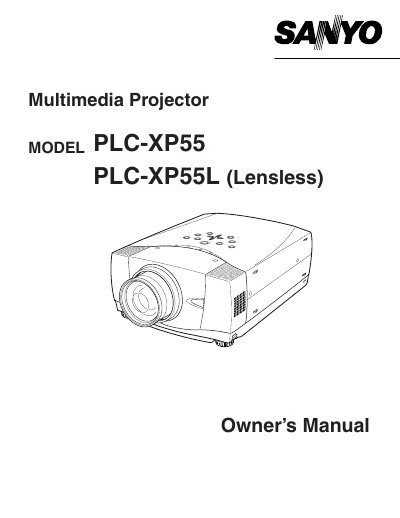
This document serves as the Owner's Manual for the Sanyo PLC-XP55 and PLC-XP55L multimedia projectors. It outlines essential safety precautions, including warnings about intense light from the projection lens and proper ventilation requirements to prevent overheating. The manual advises users to read the instructions thoroughly before operation to ensure proper management of features and maintenance of the device.
The manual requires a minimum distance of 50 cm on all sides to allow for air circulation.
You must press and hold the LASER button for 1 minute to emit the laser beam.
You must use an ASTA approved BS 1362 fuse with the same rating as the original.