
SANYO PLC-XP50/XP51 PLC-XP50L/XP51L user manual

User's manual for PLC-XP50/XP51 Multimedia Projector
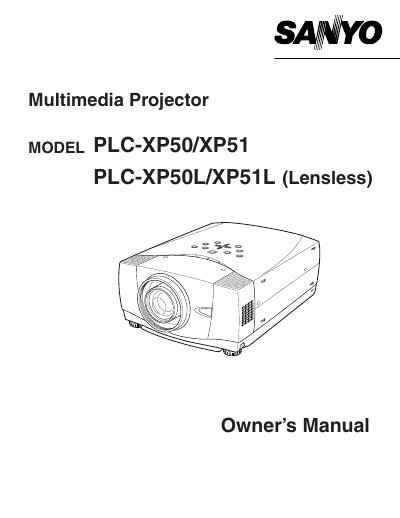

SANYO PLC-XP50/XP51 PLC-XP50L/XP51L user manual - cover page
Brand
Sanyo
Category
Projector
Document type
User Manual
Language
English
Pages
56
File format
PDF
File size
1.8 MB
Published
03 August, 2012
Updated
30 September, 2023
MD5 checksum
BEC9DAA302013DD9464734F61544A456

About this manual

This document is the Owner's Manual for the Sanyo PLC-XP50/XP51 and PLC-XP50L/XP51L Multimedia Projectors. It covers essential safety precautions, including warnings about intense light from the lens and ventilation requirements to prevent overheating.

The manual details proper setup, operation procedures, and maintenance instructions for end users. It also includes a troubleshooting section to help resolve common operational issues.

What's inside

  • Safety Precautions
  • Compliance Information
  • Power Cord Requirements
  • Operating Instructions
  • Trouble-shooting

Frequently asked questions

What safety precaution is required when cleaning the projector?

You must unplug the projector from the AC power supply before you clean it.

How should the projector be positioned regarding air circulation?

Take appropriate space on the top, sides and rear of the projector cabinet for allowing air circulation.

What is the maximum duration for using the laser pointer function?

The laser beam emits from the Laser Light Window while pressing the LASER button for 1 minute.

Download PDF (1.8 MB)

More Sanyo Manuals


View all Sanyo manuals →