
This is a user manual for PLC-XF30N Multimedia Projector. The document introduces the product's characteristics, usage methods and other information
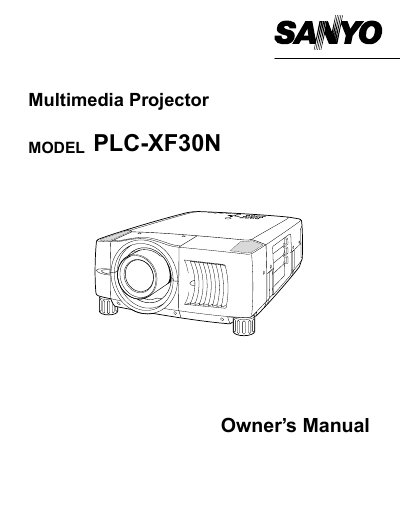
The document serves as an Owner's Manual for the mMopEL PLC-XF30N Multimedia Projector. It provides essential safety precautions regarding ventilation, laser pointers, and electrical hazards before operating the device.
The guide details features and design specifications, instructions on setting up the projector including lens installation and positioning, connecting to various input sources like computers and video equipment, and adjusting picture settings such as zoom, focus, keystone correction, and image levels. It also covers remote control usage, on-screen menu operations, maintenance tasks like lamp replacement and air filter cleaning, and a troubleshooting section for common issues.
You must unplug the projector from the AC power supply before cleaning it.
The laser pointer function should be pressed for 1 minute to emit the laser beam.