
Key facts
- Brand
- Samsung
- Model
- VP-D30
- Category
- Camcorders
- Industry
- Electronics
- Documents
- 2
- Languages
- ZH
- Last added
- 2012-03-16
Start here
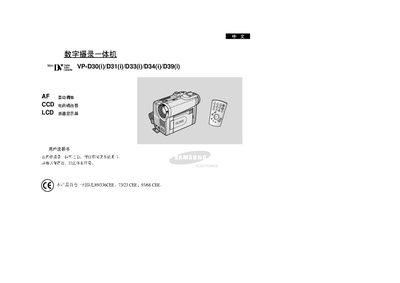
Samsung VP-D30/D31/D33/D34/D39 All-in-One Camcorder User Manual
This manual provides detailed instructions for operating Samsung's VP‑D30 series all‑in‑one camcorders. It includes safety guidelines, basic operation, and advanced shooting techniques to help users capture high‑quality video and photos.
The guide also describes the device’s features such as LCD display, CCD sensor, auto‑focus, digital zoom, and various recording modes, and provides troubleshooting tips, battery handling advice, and technical specifications. This manual is written in Chinese.
Samsung VP-D30 specifications
| Display type | LCD |
|---|---|
| Image sensor | CCD |
| Focus mode | Auto Focus |
Source: Samsung VP-D30/D31/D33/D34/D39 All-in-One Camcorder User Manual
All Samsung VP-D30 documents by type
Day-to-day operation, settings and troubleshooting. Start here if the product is already set up.
Questions answered in these manuals
What should I do with the battery before first recording?
Fully charge the battery pack before the first use and ensure it is securely installed.
From: Samsung VP-D30/D31/D33/D34/D39 All-in-One Camcorder User Manual
What should I do if the video head becomes dirty?
Clean the video head with a dry cleaning box; avoid using wet cleaning methods as they may damage the head.
From: Samsung VP-D30/VP-D31/VP-D33/VP-D34/VP-D39 Digital Videography All-in-One User Manual