
Key facts
- Brand
- Samsung
- Model
- ITP-5112L
- Industry
- Electronics
- Documents
- 2
- Languages
- EN
- Last added
- 2012-05-03
Start here
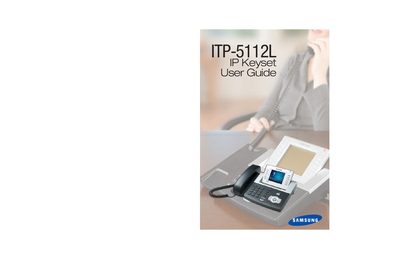
Samsung ITP-5112L IP Keyset User Guide
The ITP-5112L IP keyset is part of Samsung's OfficeServ series and offers an IP‑based telephone with a large LCD color screen for easy use. This guide introduces the keyset’s hardware, default settings, and how it integrates with OfficeServ 100, 500, and 7000 systems.
The manual covers assembling the keyset, initializing the device, navigating menus, configuring network parameters, making outside and intercom calls, call processing, dialing features, paging, messaging, and extensive customization options such as speed‑dial programming, ring tones, and feature codes.
All Samsung ITP-5112L documents by type
Day-to-day operation, settings and troubleshooting. Start here if the product is already set up.
Questions answered in these manuals
How do I set the network parameters for the ITP-5112L?
The guide includes a section titled "Setting the Network Parameters" on pages 13‑15 that explains how to configure the IP address and related settings.
How can I make an outside call with the keyset?
See the "Making an Outside Call" section on page 16 for step‑by‑step instructions on placing external calls.
What OfficeServ series does the ITP-5112L belong to?
The ITP-5112L is part of the OfficeServ 100, OfficeServ 500, and OfficeServ 7000 Series.
How can I make an outside call with the ITP-5112L?
Use the "Making an Outside Call" section, which describes dialing from the outgoing/incoming menu and selecting the most recent number.