
Key facts
- Brand
- Samsung
- Model
- D270
- Category
- Camcorders
- Industry
- Electronics
- Documents
- 2
- Languages
- EN
- Last added
- 2012-03-16
Start here
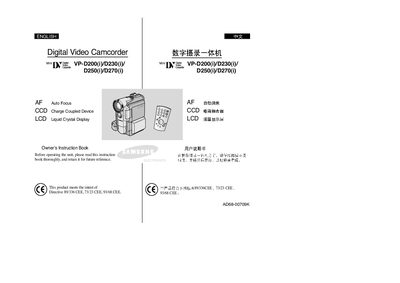
Samsung VP-D200/D230/D250/D270 Camcorder User Manual
This manual covers the Samsung VP-D200, VP-D230, VP-D250 and VP-D270 digital video camcorders. It introduces the camcorder’s features, accessories, and basic handling procedures.
Key sections include safety and handling instructions, LCD screen rotation, battery installation, recording and playback functions, memory‑stick usage, maintenance, and a troubleshooting guide to resolve common issues.
Samsung D270 specifications
| Battery type | Lithium |
|---|---|
| Memory media | Memory Stick |
| Power source | AC Power adapter and DC Cable |
Source: Samsung VP-D200/D230/D250/D270 Camcorder User Manual
All Samsung D270 documents by type
Day-to-day operation, settings and troubleshooting. Start here if the product is already set up.
Questions answered in these manuals
How should I rotate the LCD screen?
Rotate the LCD screen carefully as illustrated; over‑rotation may damage the hinge.
What cleaning method should I use for dirty video heads?
Clean the video heads with a dry‑type cleaning cassette; do not use a wet‑type cassette.
How should the LCD screen be rotated?
Rotate the LCD screen carefully as illustrated; over‑rotation may damage the hinge inside the camcorder.
From: Samsung VP-D200/D230/D250/D270 Digital Camcorder User Manual
What cleaning method should be used for dirty video heads?
Clean the video heads with a dry‑type cleaning cassette; do not use a wet‑type cassette as it may cause damage.
From: Samsung VP-D200/D230/D250/D270 Digital Camcorder User Manual