
This instruction book introduces the features and usage of VP-D30(i)/D31(i)/D33(i)/D34(i)/D39(i) digital video camcorders
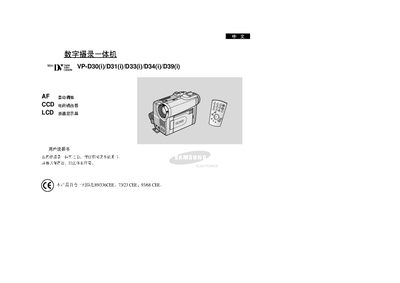
This manual covers the basic operation of the Samsung VP‑D30/VP‑D31/VP‑D33/VP‑D34/VP‑D39 all‑in‑one digital videography devices, including safety precautions, handling of the rotating LCD screen, and battery‑pack usage. It also explains the device’s features such as CCD sensor, auto‑focus, LCD display, and various shooting modes.
Advanced sections describe shooting techniques, digital zoom, white balance, special effects, and connectivity options like IEEE‑1394 (iLink) and USB. The guide includes troubleshooting tips, memory file structure, and a technical specifications summary. This manual is written in Chinese.
| Display | LCD |
|---|---|
| Image Sensor | CCD |
| Digital Zoom | Available |
Clean the video head with a dry cleaning box; avoid using wet cleaning methods as they may damage the head.