
Key facts
- Brand
- Samsung
- Model
- GT-E1170
- Category
- Cell Phones
- Industry
- Electronics
- Documents
- 2
- Languages
- EN
- Last added
- 2012-05-02
Start here
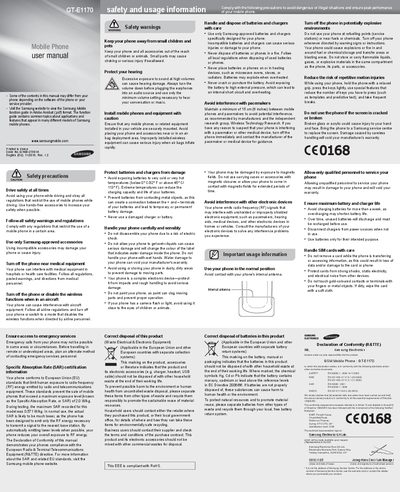
Samsung GT-E1170 Mobile Phone User Manual
This manual covers important safety precautions for using the Samsung GT‑E1170, including warnings about driving, aircraft, medical equipment, and explosive environments. It also details SAR certification, battery handling, and proper disposal of the device and its accessories.
The guide explains the phone’s layout and basic functions such as turning the device on/off, navigating menus, making calls, sending SOS messages, using the torch light, and managing contacts, alarms, and messages. Step‑by‑step instructions are provided for each operation.
Samsung GT-E1170 specifications
| Maximum SAR (recorded) | 0.571 W/kg |
|---|---|
| Battery temperature operating range | -0 °C to 45 °C (32 °F to 113 °F) |
| Maximum continuous charging time | 1 week |
All Samsung GT-E1170 documents by type
Day-to-day operation, settings and troubleshooting. Start here if the product is already set up.
Questions answered in these manuals
How do I turn the phone on?
Press and hold the # key, then enter your PIN and press OK if required.
What is the SAR value for this phone?
The maximum SAR recorded for the GT‑E1170 is 0.571 W/kg, well below the EU limit of 2.0 W/kg.
What is the SAR value for the GT‑E1170?
The maximum SAR recorded for the GT‑E1170 is 0.571 W/kg, well below the EU limit of 2.0 W/kg.
How do I turn the phone on?
Press and hold the [#] key, then enter your PIN and press <OK> if required.