
Key facts
- Brand
- Samsung
- Model
- SGH-C300
- Category
- Cell Phones
- Industry
- Electronics
- Documents
- 2
- Languages
- EN
- Last added
- 2012-05-03
Start here
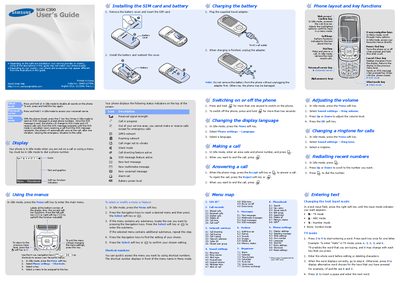
Samsung SGH-C300 User Manual
This guide explains how to use the Samsung SGH‑C300 mobile phone, covering basic operation, menu navigation, calling, messaging, and safety precautions. It includes detailed steps for installing the SIM card, charging the battery, and customizing settings such as language, volume, and ringtone.
The manual also contains reference sections on SOS emergency messaging, SAR compliance, and regulatory declarations, as well as quick feature references for shortcuts, alarms, calendar, and other built‑in applications.
Samsung SGH-C300 specifications
| Frequency Bands | GSM 900 (890‑915 MHz), EGSM 900 (880‑915 MHz), DCS1800 (1710‑1785 MHz) |
|---|---|
| Transmit Power (MS Power) | 33 dBm‑13 dBm (GSM 900), 33 dBm‑5 dBm (EGSM), 30 dBm‑0 dBm (DCS1800) |
| Modulation | 0.3 GMSK |
| Receiver Sensitivity | -102 dBm (GSM 900/EGSM), -100 dBm (DCS1800) |
| Battery Capacity | 800 mAh |
All Samsung SGH-C300 documents by type
Day-to-day operation, settings and troubleshooting. Start here if the product is already set up.
Disassembly, diagnostics and part numbers, for repair.
Questions answered in these manuals
What GSM frequency bands does the SGH‑C300 support?
It supports GSM 900, EGSM 900, and DCS1800 bands covering 890‑915 MHz, 880‑915 MHz, and 1710‑1785 MHz respectively.
What is the maximum transmit power of the SGH‑C300?
The phone can transmit up to 33 dBm for GSM 900 and EGSM, and up to 30 dBm for DCS1800.
How do I turn off the phone?
Press and hold the power key (marked with the power/End symbol) for more than two seconds.
How can I send an SOS message?
Close the phone and press the C key four times while in Idle mode; the phone will send the preset SOS message.