
Key facts
- Brand
- Samsung
- Model
- Digimax A40
- Category
- Digital cameras
- Documents
- 3
- Languages
- EN · ZH
- Last added
- 2012-05-02
Start here
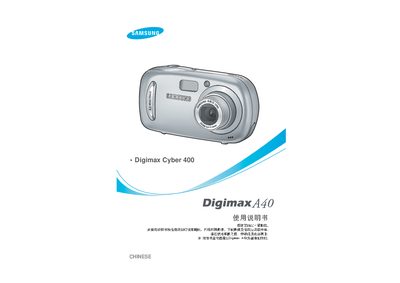
Samsung Digimax A40 Camera User Manual
This manual guides you through the basic setup and use of the Digimax A40, including how to install drivers, connect via USB, and operate shooting modes. It also covers safety warnings such as avoiding flash exposure to eyes, handling batteries properly, and preventing fire or electric shock.
Additional sections describe accessories, battery types, compatible memory cards, software installation, printing commands, and contact information for Samsung service centers worldwide. This manual is written in Chinese.
Samsung Digimax A40 specifications
| Effective Pixels | Approx. 4.0 Mega‑pixel |
|---|---|
| Lens focal length | 5.8 mm (35 mm equivalent) |
| ISO Equivalent | Auto, 100, 200, 400 |
| Primary Battery | 2 × AA alkaline, Lithium, Ni‑Mn, Ni‑Zn, 1 × CR‑V3 |
| Dimensions (W×H×D) | 96.5 × 52.5 × 30.5 mm |
| Weight | Approx. 90 g (without batteries and card) |
| Internal Memory | 16 MB flash |
| External Memory | SD / MMC card up to 512 MB |
Source: Samsung Digimax A402 User Manual
All Samsung Digimax A40 documents by type
Day-to-day operation, settings and troubleshooting. Start here if the product is already set up.
Questions answered in these manuals
What should I do if an unexpected error occurs during file transfer?
Turn the camera power off and on again, then retry the file transfer.
How do I connect the camera to a computer?
Use the supplied USB cable and install the camera driver from the CD‑ROM before connecting the camera to the PC.
What should I do if the camera battery leaks?
Remove the battery immediately; a leaking battery can damage camera components and should not be used.