
This document describes how to use your phone safely, including while driving, in a medical facility, on an airplane, in extreme temperatures, and when protecting batteries and chargers.
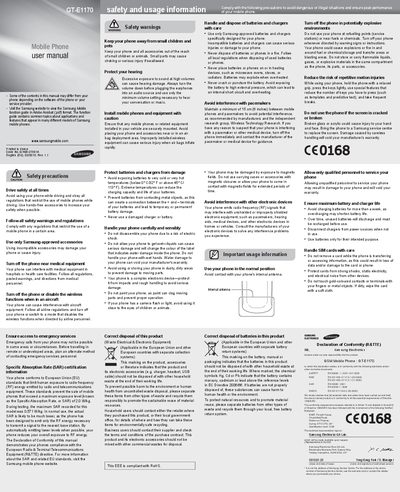
This manual begins with safety precautions, covering topics such as driving, medical equipment, aircraft, and battery handling. It also includes regulatory information like SAR values and disposal instructions for the device and its accessories.
The second part of the guide explains the phone’s layout and how to perform common tasks: turning the device on and off, making and answering calls, sending messages, using the torch light, activating SOS, setting alarms, and managing contacts and SIM cards.
| Maximum SAR (recorded) | 0.571 W/kg |
|---|---|
| EU SAR limit | 2.0 W/kg |
| Battery operating temperature range | 0 °C to 45 °C (32 °F to 113 °F) |
The maximum SAR recorded for the GT‑E1170 is 0.571 W/kg, well below the EU limit of 2.0 W/kg.
Press and hold the [#] key, then enter your PIN and press
In idle mode, press and hold the navigation key up to turn the torch light on; press