
Key facts
- Brand
- Samsung
- Model
- W80
- Category
- Digital cameras
- Documents
- 2
- Languages
- EN
- Last added
- 2012-05-02
Start here
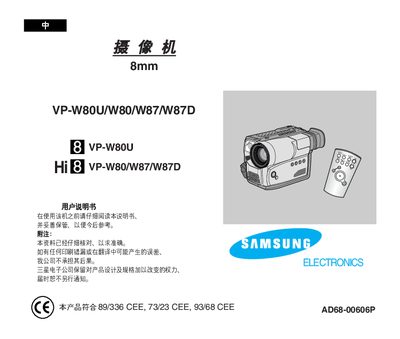
Samsung VP-W80U/W80/W87/W87D Camcorder Electronic Accessories Manual
The manual describes the functions, controls, and operation modes of the VP‑W80U/W80/W87/W87D camcorder accessories, including OSD display, picture‑in‑picture, digital zoom, and special effects. It also details the included remote control (only for VP‑W87/W87D) and how to use features such as Snap Shot and Program AE.
Safety and battery handling instructions are emphasized, warning users to keep metal objects away from the circuit board, avoid short circuits, and store the lithium battery out of reach of children. Guidance on proper storage, temperature conditions, and battery replacement is also provided.
Samsung W80 specifications
| Maximum dry load | 9 kg |
|---|---|
| Maximum wash load | 7.0 kg |
| Water usage per cycle | 207 L |
| Spin speed | 680 rpm |
| Weight | 44 kg |
All Samsung W80 documents by type
Day-to-day operation, settings and troubleshooting. Start here if the product is already set up.
Questions answered in these manuals
What should I do if water leaks at the water supply hose connector?
Check if the filter net at the water‑supply hose connector is clogged and clean it with a toothbrush.
Why does the washer make loud noises and vibrations during spinning?
Make sure the laundry is evenly distributed and the machine is level on a sturdy flat floor.
What safety precaution should be taken to avoid short circuits?
Do not let any metal objects touch the circuit board, as this may cause a short circuit.
From: Samsung VP-W80U/W80/W87/W87D Camcorder Electronic Accessories Manual
How should the lithium battery be stored?
Keep the lithium battery away from children and do not expose it to fire.
From: Samsung VP-W80U/W80/W87/W87D Camcorder Electronic Accessories Manual