
Key facts
- Brand
- Samsung
- Model
- GT-C3322
- Category
- Cell Phones
- Industry
- Electronics
- Documents
- 2
- Languages
- EN · ZH
- Last added
- 2012-05-02
Start here
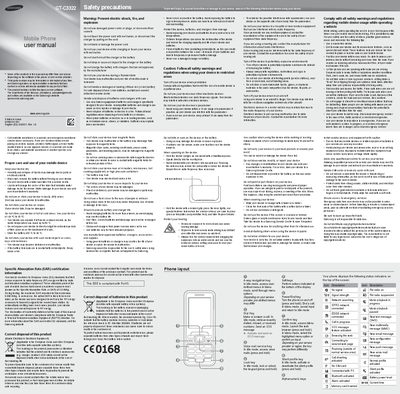
Samsung GT-C3322 Mobile Phone User Manual
This manual begins with safety precautions, covering injury prevention, proper care, battery handling, exposure limits, and disposal requirements for the GT-C3322 mobile phone. It also details SAR certification, storage temperature limits, and warnings about electric shock, fire, and explosion.
The second part explains how to install the SIM card and battery, make calls, adjust volume, use the keypad, manage contacts, send messages, and configure settings such as ringtone and sound profiles. Instructions for using the smart home screen, fake‑call feature, and dual‑SIM functions are also included.
Samsung GT-C3322 specifications
| SAR (Maximum) | 0.906 W/kg |
|---|---|
| Battery Capacity | 1000 mAh |
| Standby Time (Maximum) | 600 hours |
| Talk Time (Maximum) | 700 minutes |
| Maximum microSD Capacity | 16 GB |
Source: Samsung GT-C3322 User Manual
All Samsung GT-C3322 documents by type
Day-to-day operation, settings and troubleshooting. Start here if the product is already set up.
Questions answered in these manuals
How do I insert the SIM card?
Remove the back cover and insert the SIM card with the gold‑coloured contacts facing down.
What is the maximum SAR value for the GT-C3322?
The maximum SAR value is 0.906 W/kg.
How much storage can the GT-C3322 support?
It can support up to 16 GB of microSD or microSDHC cards.